
Estimate in VoltPro.
QuickBooks stays in the loop.
Send your estimate to QuickBooks in one click. Every line item, tax, and discount transfers automatically.
No credit card required.
How it works
Synced with QuickBooks in three steps.
Step 1
Connect your QuickBooks account
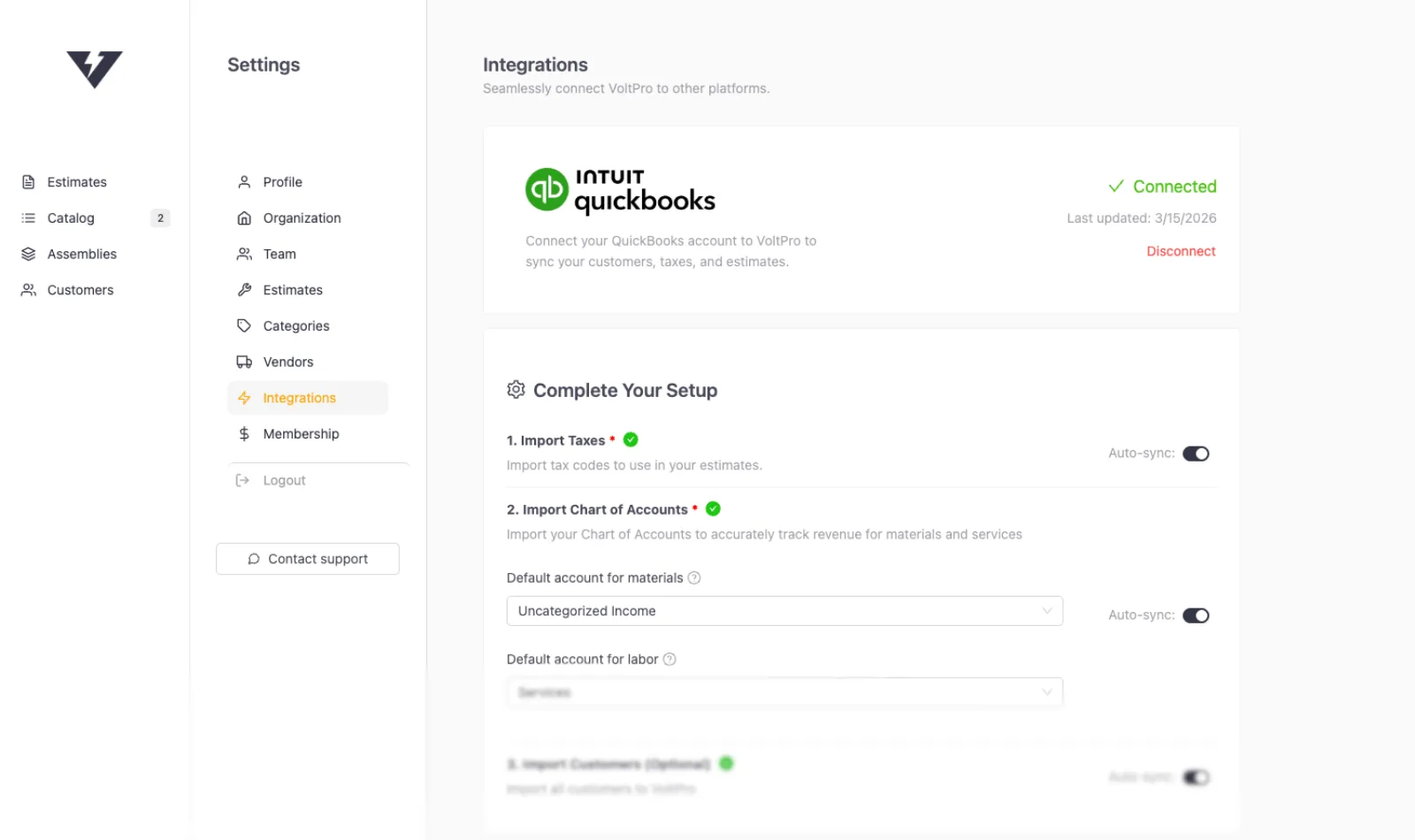
VoltPro pulls your tax settings, region, and accounts from QuickBooks automatically.
Step 2
Import your customers and tax codes
Your existing customers, sub-customers, and job details are in VoltPro and ready to use in estimates.
Step 3
Send your first estimate
Every line item syncs to QuickBooks exactly as you built it.

Integration
A better estimate editor. Connected to your books.
VoltPro is purpose-built for cost-plus estimates: materials, labor, markup, and real-time profit tracking. When the estimate is ready, send it to QuickBooks for invoicing and record keeping.
Your estimate becomes a QuickBooks invoice
Your QuickBooks customers, already in VoltPro
Taxes and accounts, configured from QuickBooks
Is my QuickBooks data safe?
VoltPro uses OAuth 2.0 for authorization. Your QuickBooks password is never seen or stored. Access tokens are encrypted at rest, and you can disconnect at any time.
What syncs
Everything flows in the right direction.


We build our cost-plus estimates in VoltPro and send them straight to QuickBooks for record keeping. The time we've saved on data entry alone has been huge.
Frequently asked questions.
Stop re-typing your estimates into QuickBooks.
Connect your account and send your first estimate in minutes.
Start for free